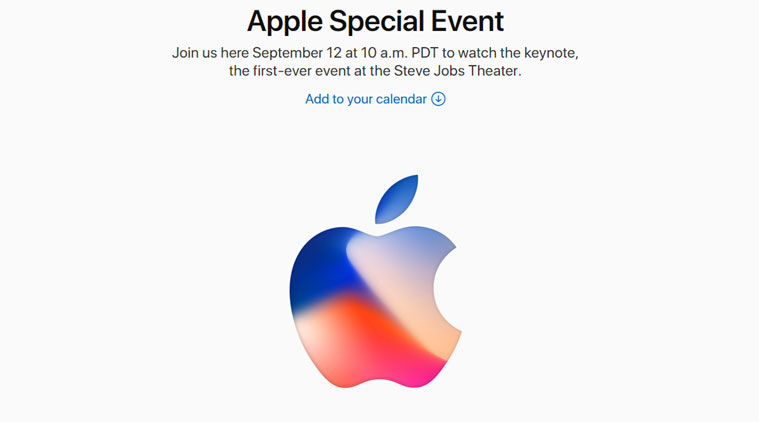

Apple’s 2017 iPhone and Apple Watch keynote kicks off at 10 a.m. Pacific (1 p.m. Eastern / 5 p.m. UTC) on September 12 in Cupertino at Apple Park’s Steve Jobs Theater. Here’s how to watch the event live:
- Mac: Safari (OS X 10.11+)
- iPhone, iPad, iPod Touch: Safari (iOS 9.0+)
- Windows: Microsoft Edge (Windows 10) or download the VLC media player. Look for the “media” tab and then “open network” stream. Then copy and paste in this link: https://p-events-delivery.akamaized.net/17oiubaewrvouhboiubasdfv09/m3u8/atv_mvp.m3u8
- Android: Download the VLC app for Android. Then follow the same instructions as above.
- Apple TV: Apple Events app (2nd generation+ running 6.2+) or Apple TV 4th generation.
- Follow along: on Twitter (@VentureBeat) for the latest breaking Apple news.
Apple got permission to hold the event on its new campus at the very last minute. And then, over the weekend, a ton of details about the new products leaked out. Still, even if there aren’t any surprises left today (we suspect Apple will have a few up its sleeve), it likely won’t matter for the world’s most valuable company.
There’s a lot at stake for Apple’s iPhone X. Tune in to get all the news as it becomes official.